Learn Builder

Powerful features for modern learning

Learn Builder combines AI-powered content generation with interactive learning elements to help you create engaging courses faster than ever.

AI-Powered

Create courses in minutes, not weeks

Our AI understands instructional design principles and generates structured, pedagogically sound content from your input.

Smart Course Outline

Describe your course topic and goals. Our AI analyzes your input and creates a complete course structure with lessons, learning objectives, and performance outcomes.

  • Automatic lesson sequencing based on learning progression
  • Clear learning objectives for each lesson
  • Review and adjust before generating content

Rich Content Generation

Generate complete lessons with a single click. The AI creates varied content blocks including text, images, quizzes, flashcards, and interactive elements.

  • AI-generated images that match your content
  • Automatic quiz generation with varied question types
  • Flashcards for key concepts and terminology

Reference Materials

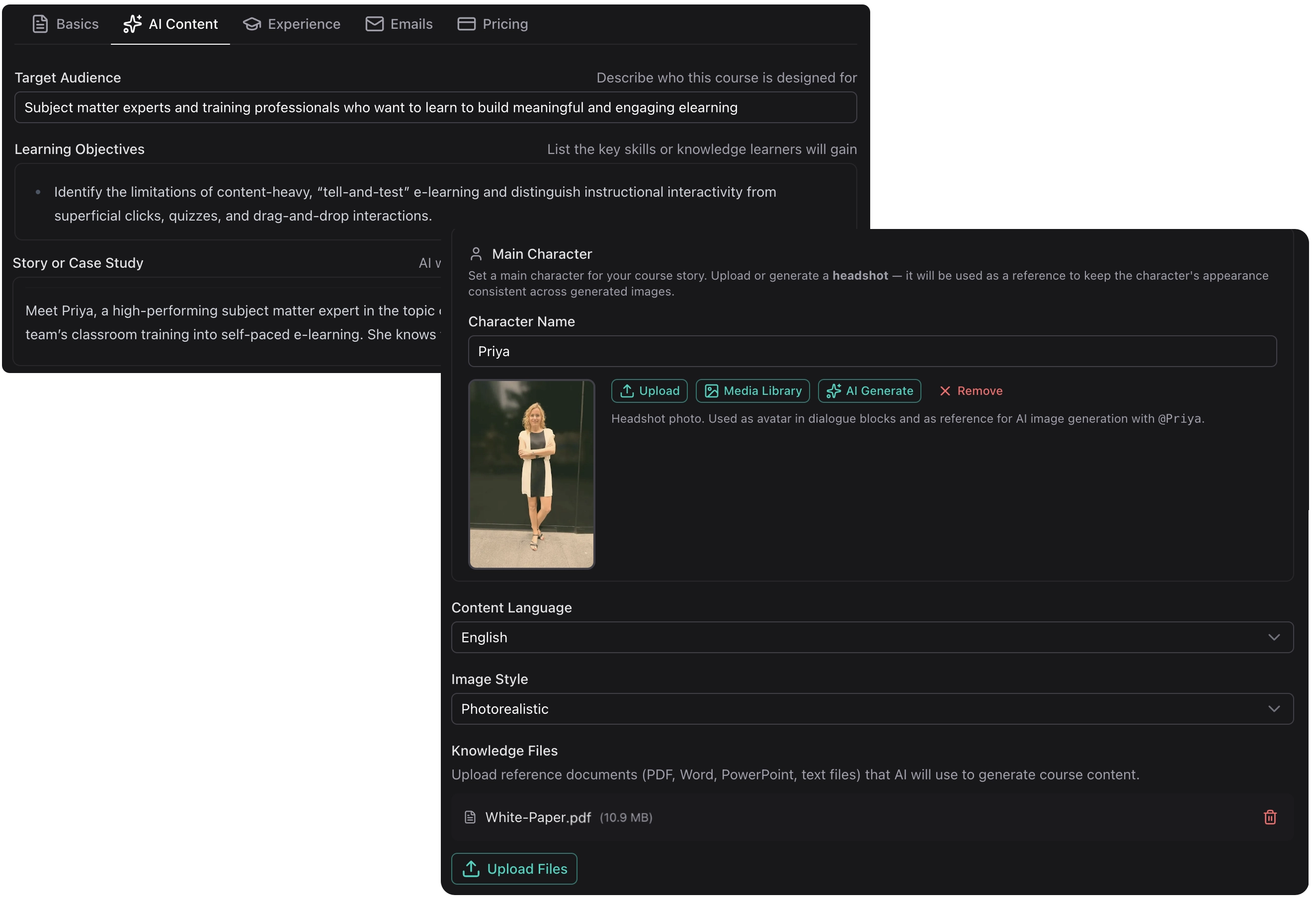
Upload existing documents, PDFs, or other materials. The AI uses these as context to generate accurate, relevant content specific to your subject matter.

  • Extract key concepts from your existing materials
  • Ensure content accuracy with your source documents
  • Power the AI Tutor with your knowledge base

Full Creative Control

You're always in the driver's seat. Edit, rearrange, or regenerate any content. The AI assists, but you make the final decisions.

  • Intuitive block editor for fine-tuning
  • Regenerate specific sections with new prompts
  • Add your own content alongside AI-generated material
Interactive

Beyond static content

Create immersive learning experiences with interactive elements that engage learners and reinforce understanding.

AI Roleplays

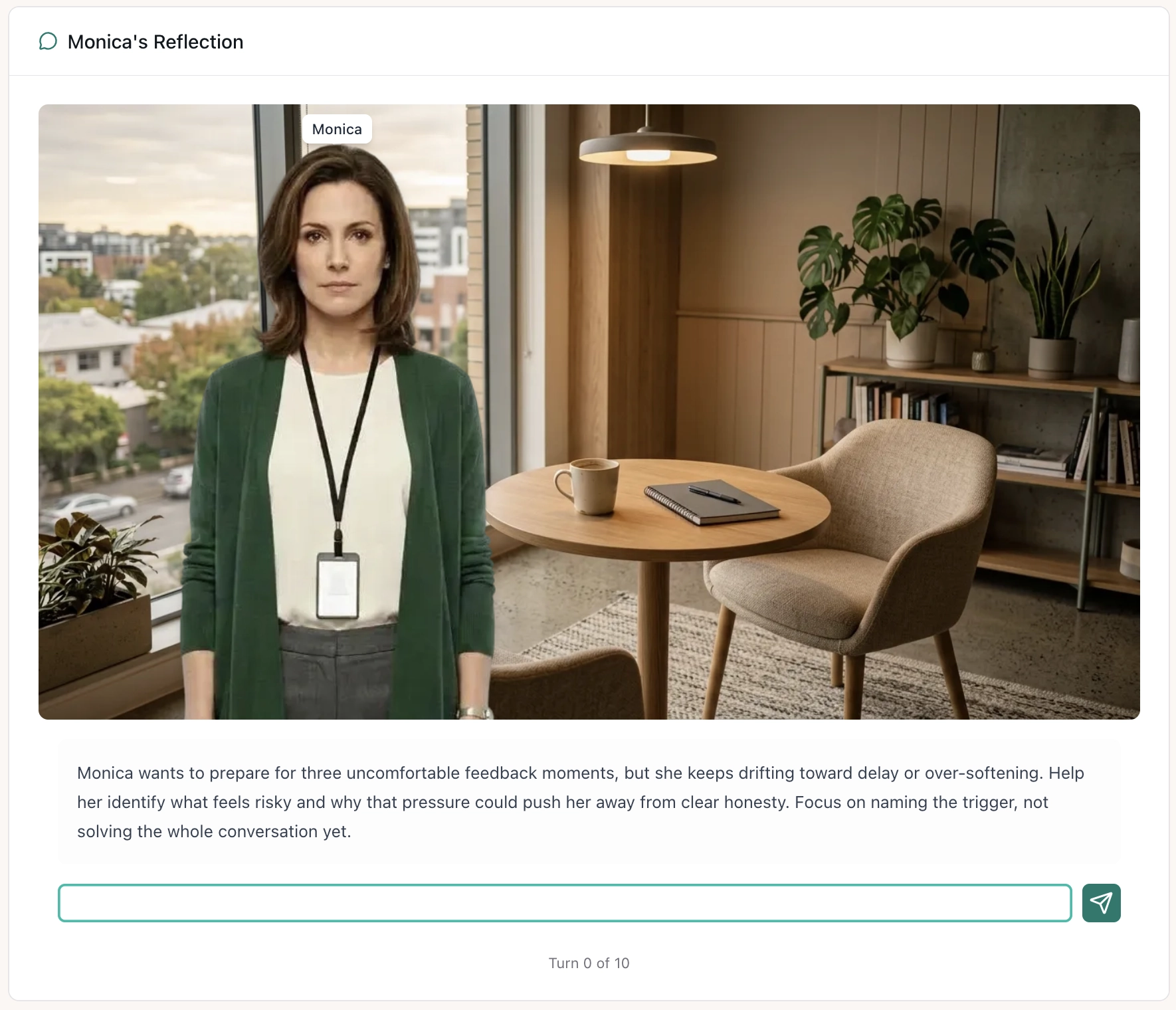
Create chat-based scenarios where learners practice conversations with AI personas. Perfect for customer service training, sales practice, or difficult conversations.

Example uses:

  • • Customer complaint handling
  • • Sales objection responses
  • • Interview practice

AI Dialogue

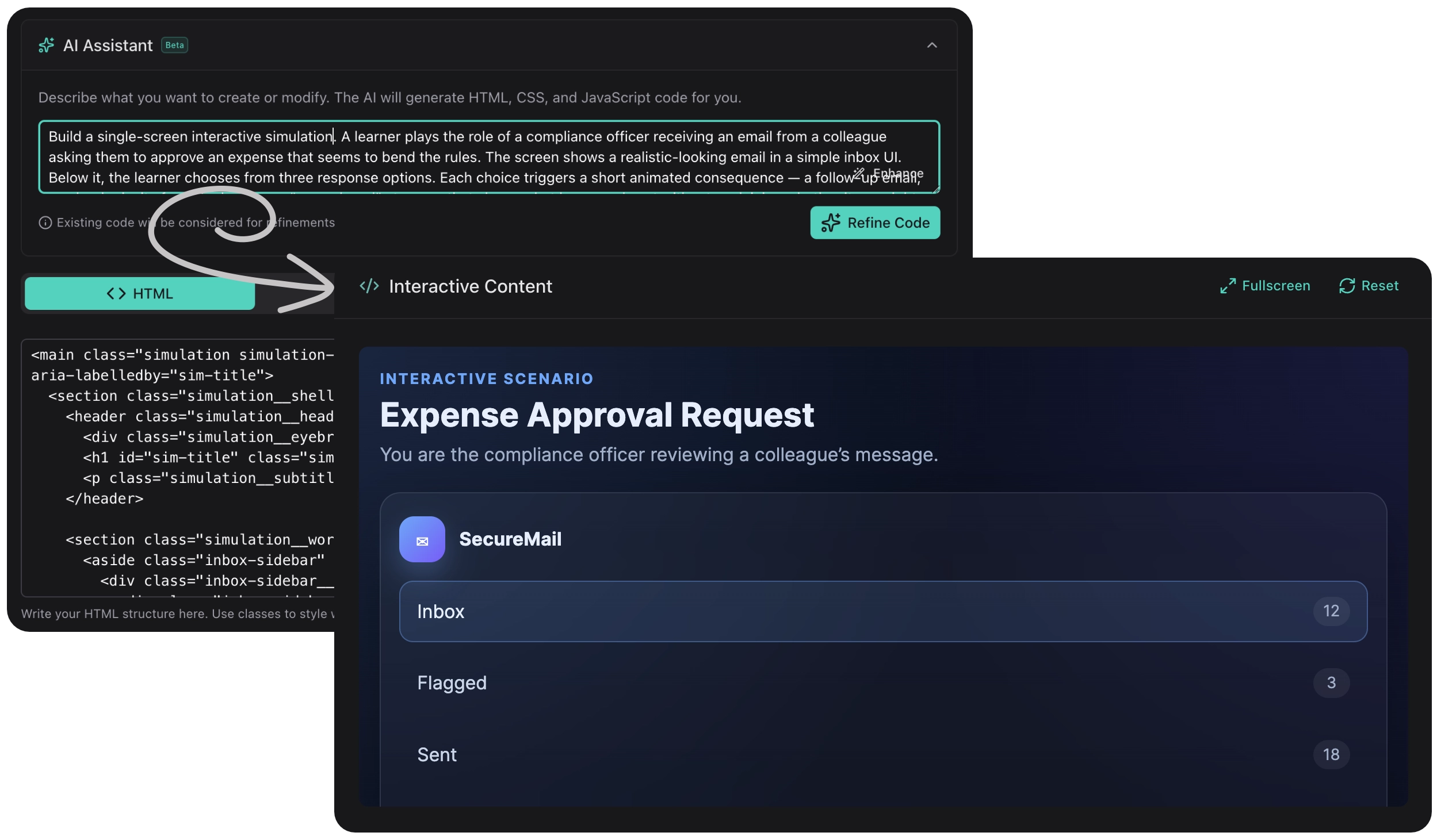
Build conversational scenarios that branch based on learner choices. The AI provides contextual feedback and guides learners through decision-making processes.

Example uses:

  • • Compliance decision trees
  • • Troubleshooting guides
  • • Scenario-based assessments

Hotspot Images

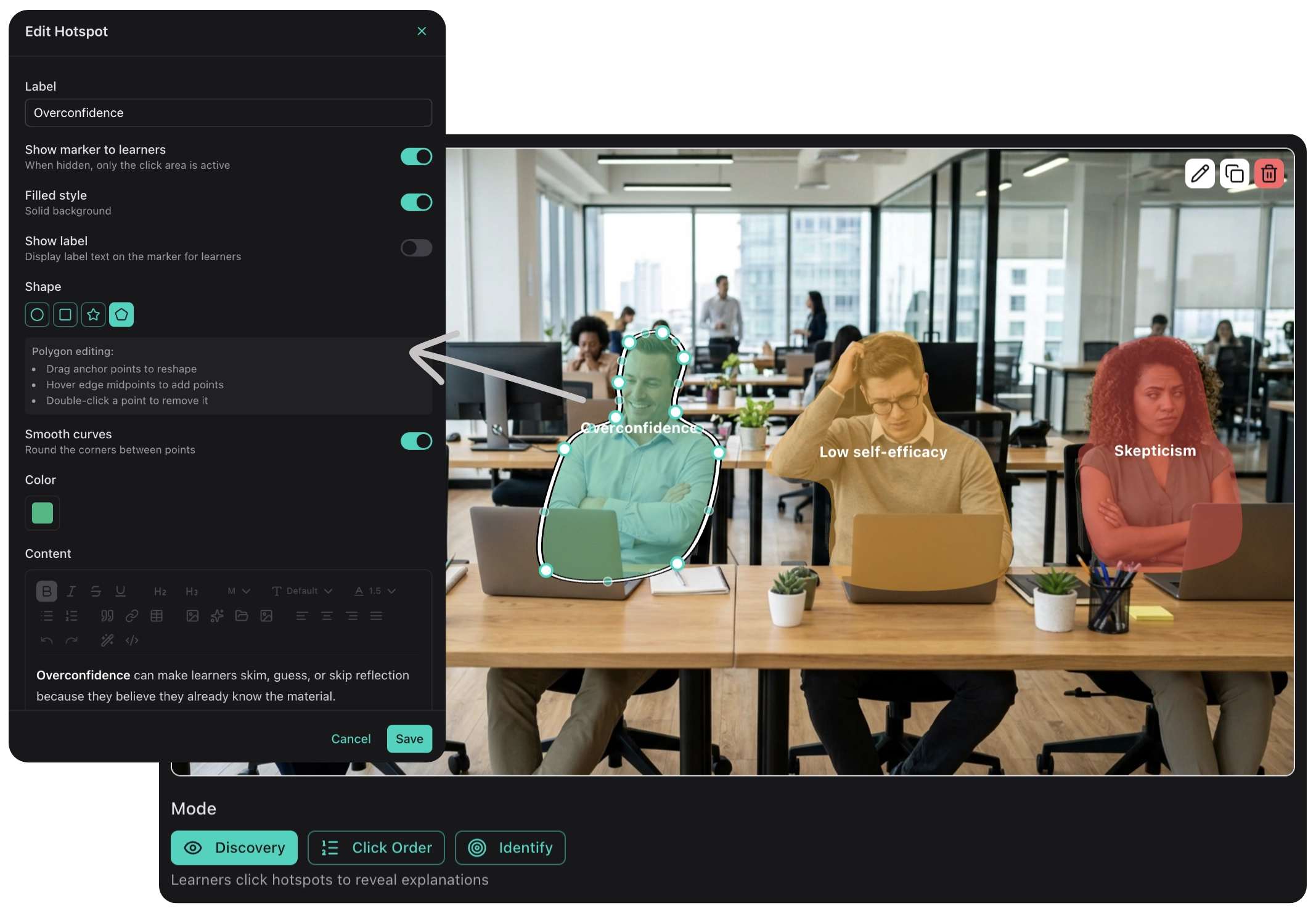
Add clickable hotspots to images for discovery-based learning. Learners explore diagrams, equipment, or processes at their own pace.

Example uses:

  • • Equipment familiarization
  • • Anatomy and diagrams
  • • Software interface tours
AI Tutor

24/7 learning support

Every course includes an AI Tutor that helps learners understand the material. The tutor is trained on your course content and reference materials, ensuring accurate and relevant answers.

  • Answer questions

    Learners can ask questions about the course material and get instant, contextual answers.

  • Explain concepts

    The tutor can break down complex topics in different ways until the learner understands.

  • Stay on topic

    The tutor is scoped to your course content, keeping discussions focused and relevant.

Can you explain the difference between synchronous and asynchronous communication?

Great question! Synchronous communication happens in real-time, like a video call or live chat. Asynchronous communication doesn't require immediate response, like email or discussion forums. In this course, we'll explore when each type is most effective...

Block Editor

Flexible content building

Compose lessons using a variety of content blocks. Mix and match to create the perfect learning experience.

Rich Text

Formatted text with headings, lists, and emphasis.

Images

Upload images or generate them with AI.

Video

Embed videos from YouTube, Vimeo, or upload directly.

Quizzes

Multiple choice, true/false, and more.

Flashcards

Flip cards for memorization and review.

Sorting

Drag-and-drop ordering exercises.

Matching

Connect related items or concepts.

Accordion

Expandable sections for organized content.

Publish

Share your courses anywhere

Launch your courses directly on Learn Builder or export to your existing LMS.

Host on Learn Builder

Publish directly and share a link with your learners. No additional hosting or LMS required.

  • Custom branding with your logo and colors
  • Learner registration and progress tracking
  • Completion certificates

features.publishing.scormExport.title

features.publishing.scormExport.description

  • features.publishing.scormExport.feature1
  • features.publishing.scormExport.feature2
  • features.publishing.scormExport.feature3

Ready to create your first course?

Start with our free plan and experience the power of AI-assisted course creation.